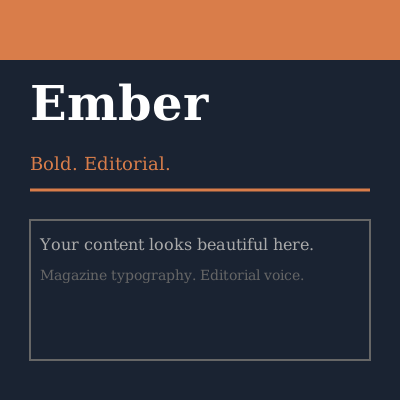
Ember
Bold. Editorial. For people with something to say.
Magazine-style, serif headings, dark navy + burnt orange
npx wardrobe install ember
Instant dignity for your Emdash site
Try it on. If it doesn't fit, try another. Your content stays untouched.
npx wardrobe install [theme]
Each with distinct personality. Choose the one that fits your voice.
Bold. Editorial. For people with something to say.
Magazine-style, serif headings, dark navy + burnt orange
npx wardrobe install ember
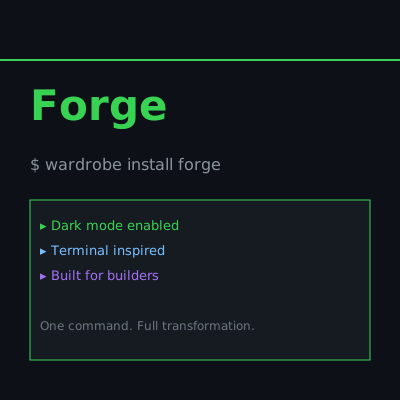
Dark and technical. Built for builders.
Dark mode, monospace, neon green accents, terminal-inspired
npx wardrobe install forge
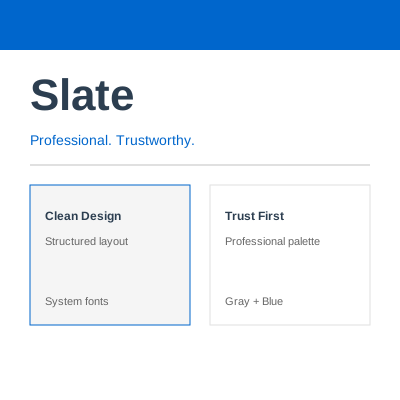
Clean and professional. Trust at first glance.
Gray palette, blue accents, system fonts, structured
npx wardrobe install slate
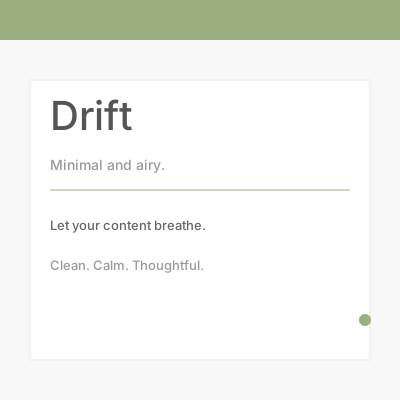
Minimal and airy. Let your content breathe.
Whitespace, thin sans-serif, sage green accent
npx wardrobe install drift
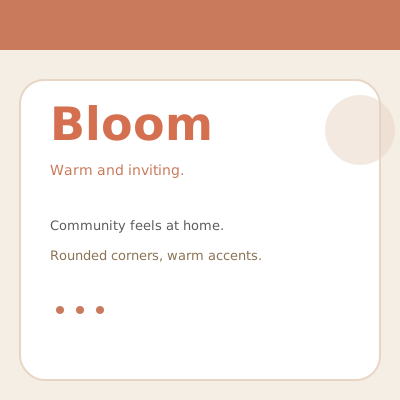
Warm and inviting. Where community feels at home.
Rounded corners, cream background, terracotta accents
npx wardrobe install bloom
Browse the themes above and pick one that resonates.
Click the copy button or manually type the install command.
Your theme installs in under 3 seconds. Your content stays exactly the same.